Ready To Track Inventory The Schoolpad Way?
See how Schoolpad helps schools manage item categories, vendors, purchase orders, and issue reports without scattered manual records.


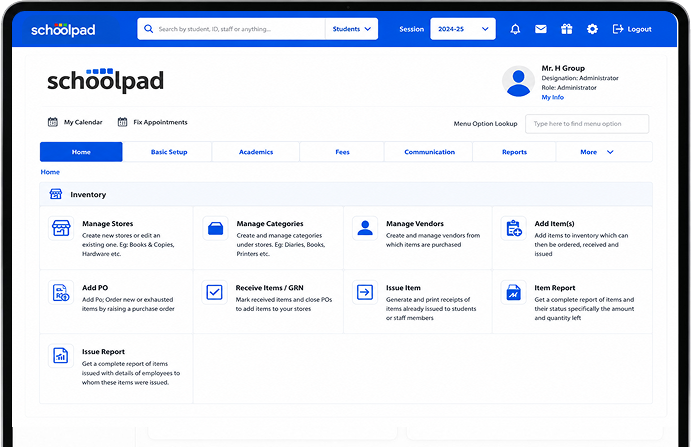
Every item issued should be easy to trace. Schoolpad helps your team add items, manage stores, issue stock, print receipts, and track quantity left through clear item and issue reports.

Items remain spread across books, copies, hardware, lab tools, and other stores, making it difficult to track available stock.

When exhausted items and available stock are not clearly visible, teams may raise POs for items already in storage.

Schools struggle to see which items were issued to students, staff members, or employees, making follow-ups difficult.

Manual records make it difficult to know what is available, what is used, and how much stock is left in each store.
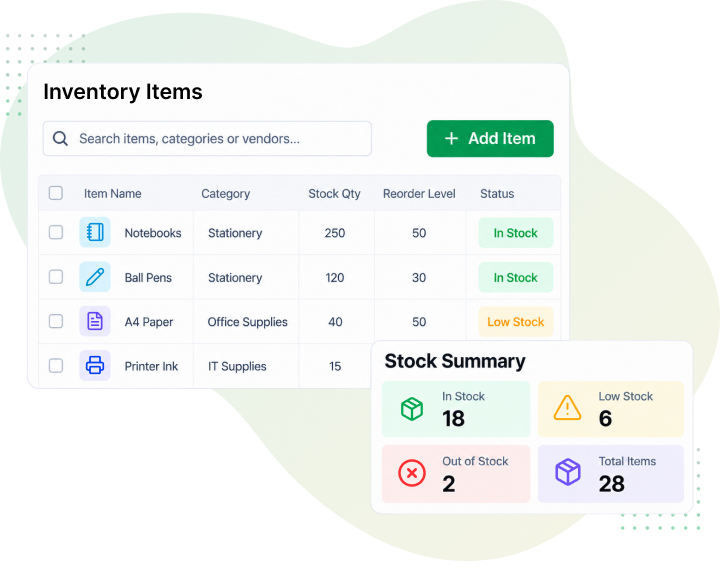
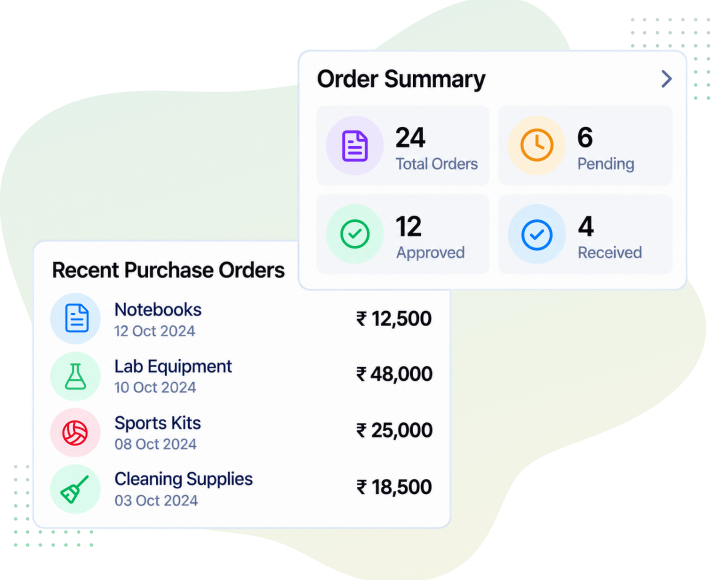
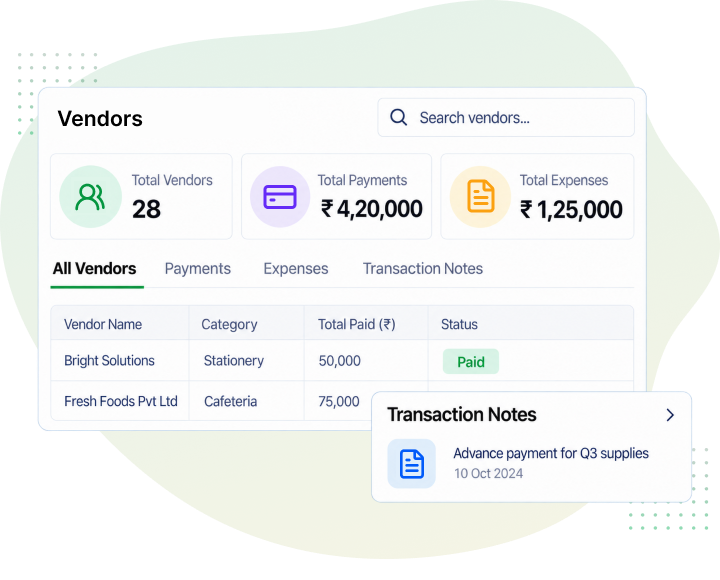
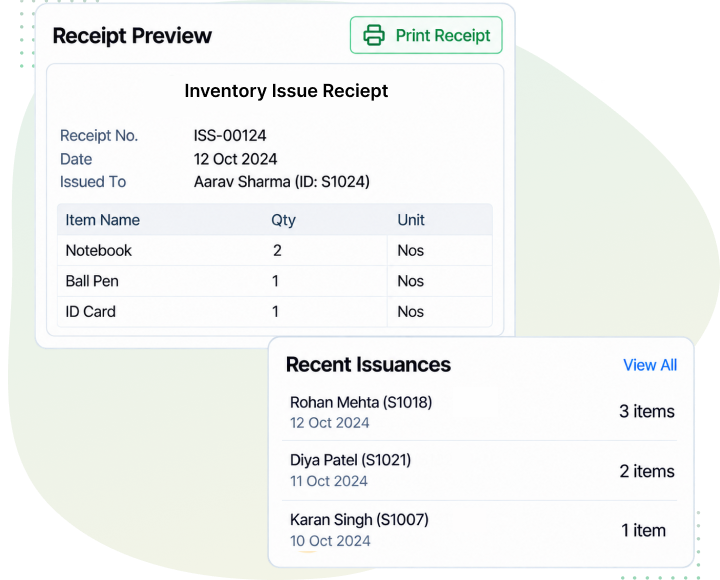
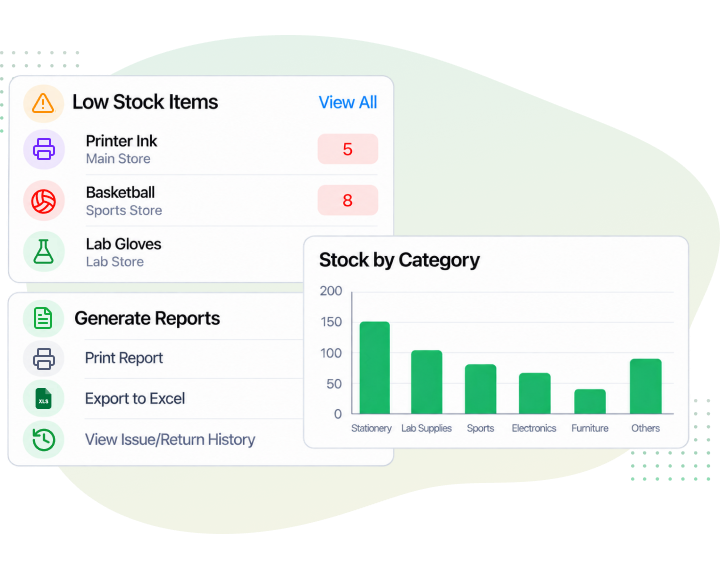
Stop letting stock gaps create repeat purchases and missing items. SchoolPad gives your team clear visibility into stores, vendors, purchase orders, received items, issued items, and reports, so inventory stays easier to track from purchase to issue.
Teams can check what is available in each store without depending on manual records.
Purchase orders can be raised for new or exhausted items with clearer stock visibility.
Know which item was issued, who received it, and when it was handed over.

Yes. You can create and manage multiple stores. For example, Books & Copies or Hardware, and others, so inventory for each area is tracked independently instead of being lumped into one list.
Yes. Vendors can be created and managed in the system, so every item purchased is linked to a known supplier rather than tracked separately outside the platform.
Yes. Items can be added to inventory in bulk, and from there they’re ready to be ordered, received, and issued.
A purchase order can be raised directly for new or exhausted items, so administrators have clear visibility into what’s been ordered against current stock levels.
Yes. Every issued item can be recorded and printed as a receipt, showing what was issued, who received it, and when it was handed over.
Yes. A full item report is available showing the status of every item, including the amount and quantity currently left.
See how Schoolpad helps schools manage item categories, vendors, purchase orders, and issue reports without scattered manual records.