Ready To Automate Your School’s Certificate Process?
We’ll walk through your school’s current document process and show how SchoolPad helps you design templates, generate accurate certificates, and maintain printed document records.


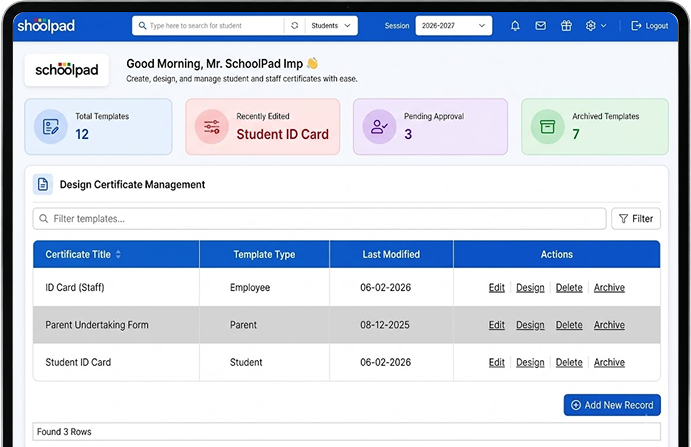
SchoolPad helps your team replace repeated Word-file typing with reusable certificate templates, accurate student data, class-wise printing, and a clear record of issued certificates.

When documents cannot be generated for an entire class together, large requests begin to pile up and delay other school-office work.

School teams create and edit individual Word files for each student or staff member, turning routine certificates into repetitive administrative work.

Names, classes, admission numbers, and other details are typed again for every certificate, increasing the risk of mistakes, corrections, and reprints.

Without a controlled record, teams struggle to check which certificate was printed, who it was issued to, and when it was prepared.
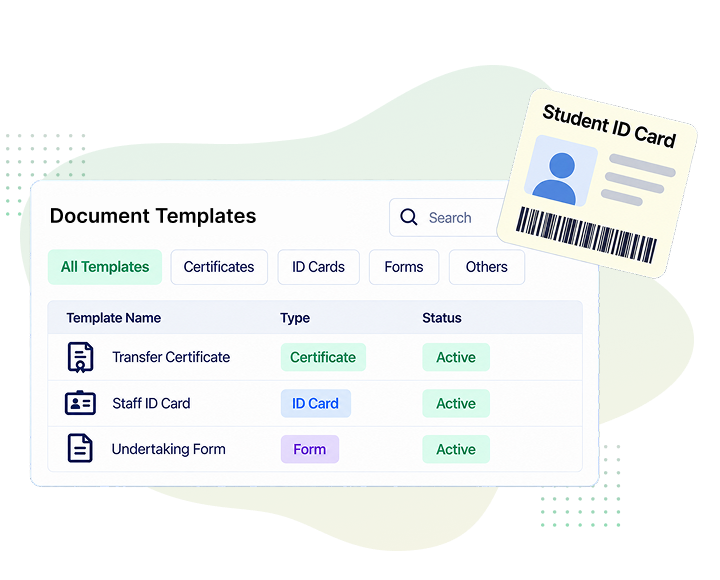
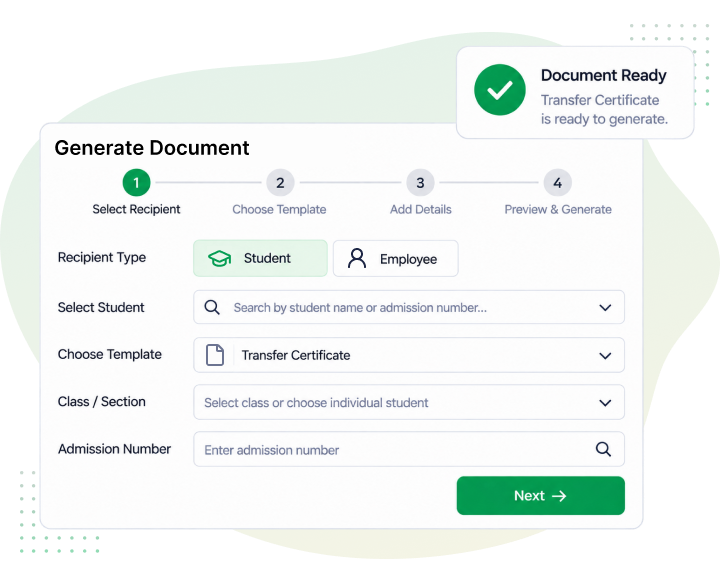
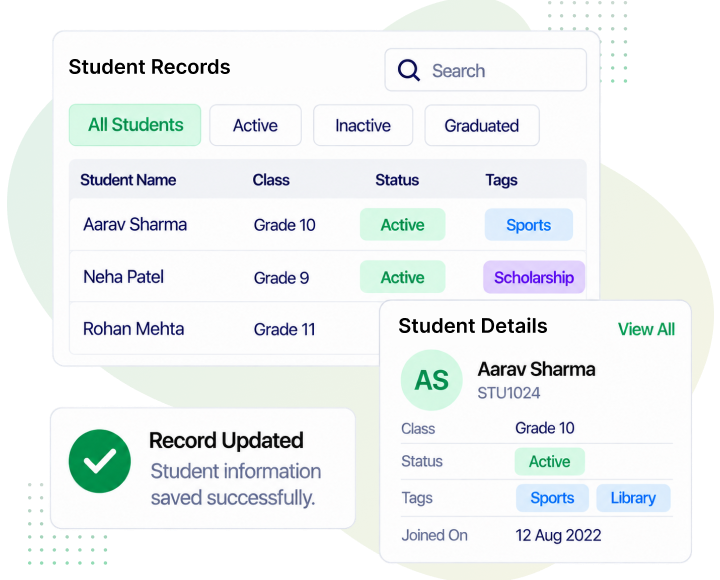
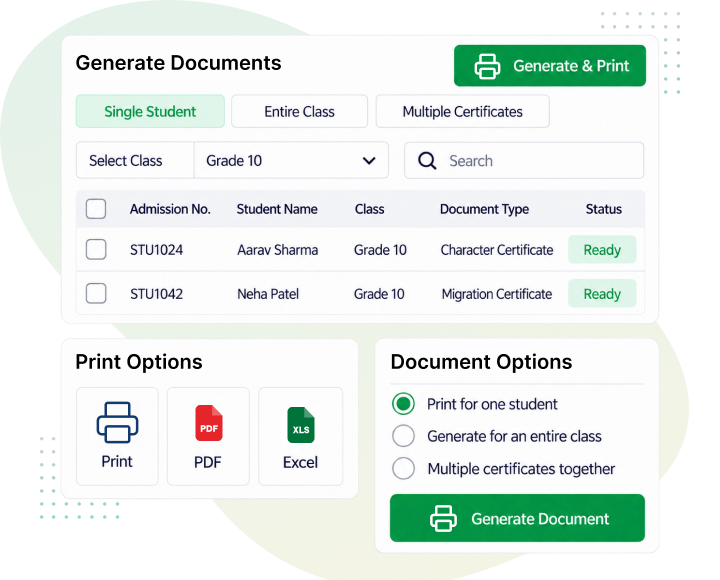
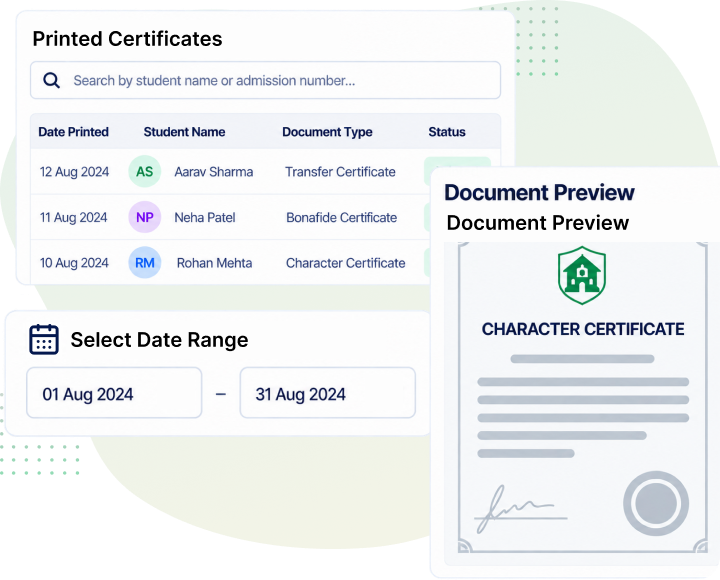
Your team no longer needs to recreate certificates for every request. SchoolPad helps your team design reusable templates, reduce document errors, print certificates for individuals or entire classes, and keep every issued record easier to trace.
School teams generate routine student and staff documents without preparing each Word file separately.
Reliable SchoolPad data reduces repeated typing, corrections, and reprinting across official school documents.
Teams can review printed certificates by template and date whenever verification or tracing is required.

Yes. Once a certificate or document template is set up, SchoolPad generates and prints it automatically, removing the need to type and print each student’s document by hand.
Yes. SchoolPad helps you design and replicate your existing certificates and documents, so the templates you already use can be recreated directly in the system.
Yes. SchoolPad supports certificates and documents for both students and staff, so schools are not limited to a single template or document type.
Yes. Every certificate and document generated is automatically stored on SchoolPad, so schools can retrieve records without maintaining separate files.
Yes. Since every document is generated and stored through a consistent process, schools have a more controlled and traceable system for issuing and verifying official certificates and records.
Yes. Once a certificate template is set up, SchoolPad lets you generate and print it for an entire class in a single go, so schools do not have to print certificates one student at a time.
We’ll walk through your school’s current document process and show how SchoolPad helps you design templates, generate accurate certificates, and maintain printed document records.