Ready To See Your Timetable Process In SchoolPad?
We’ll review your current timetable workflow and show how SchoolPad helps align teacher schedules, class requirements, workload distribution, and substitute coverage.


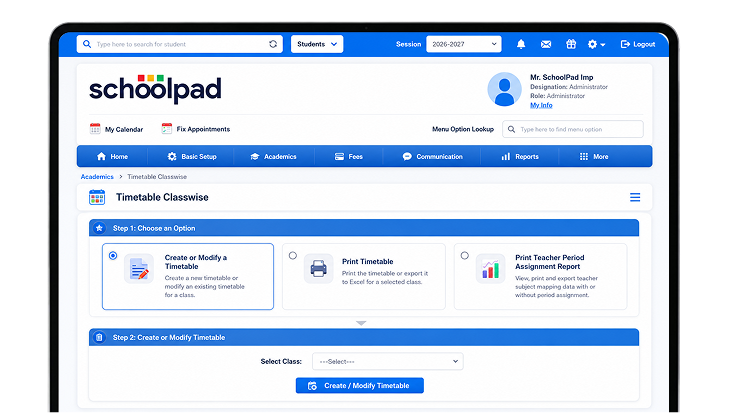
Every timetable should support uninterrupted classroom teaching. SchoolPad helps your team create teacher-wise and class-wise timetables, review teaching loads, identify gaps or clashes, and manage substitutions when teachers are unavailable.

School leaders cannot clearly see how periods are distributed across teachers and subjects, making workload imbalances harder to correct.

Overlapping teacher schedules and class-wise gaps can interrupt lessons and create avoidable changes during the school day.

When a teacher is absent, teams spend time checking schedules and finding an alternate available teacher for affected classes.

Management lacks a complete view of teacher schedules, class timetables, workload distribution, and required adjustments.
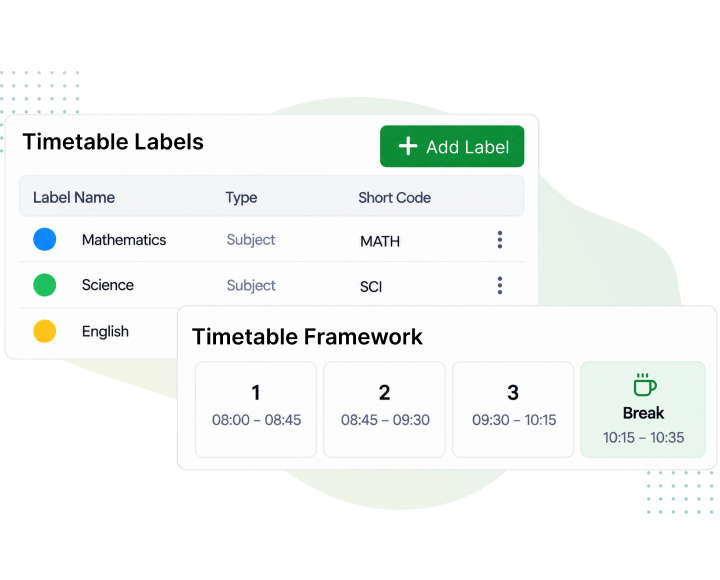
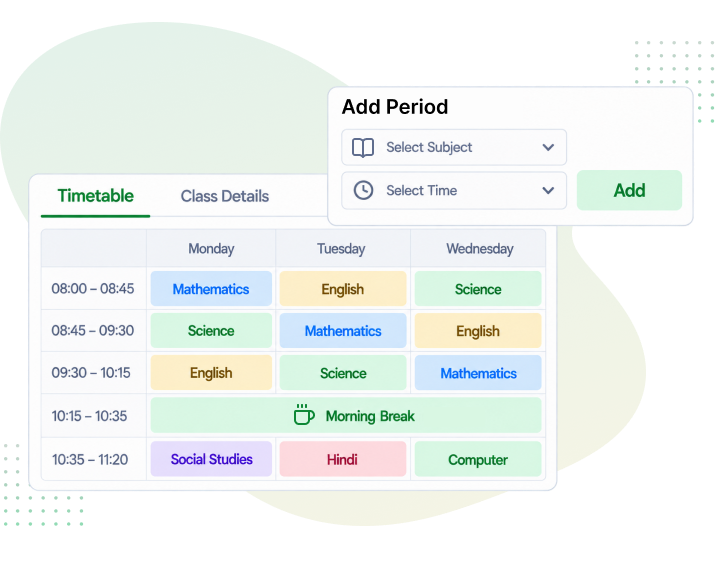
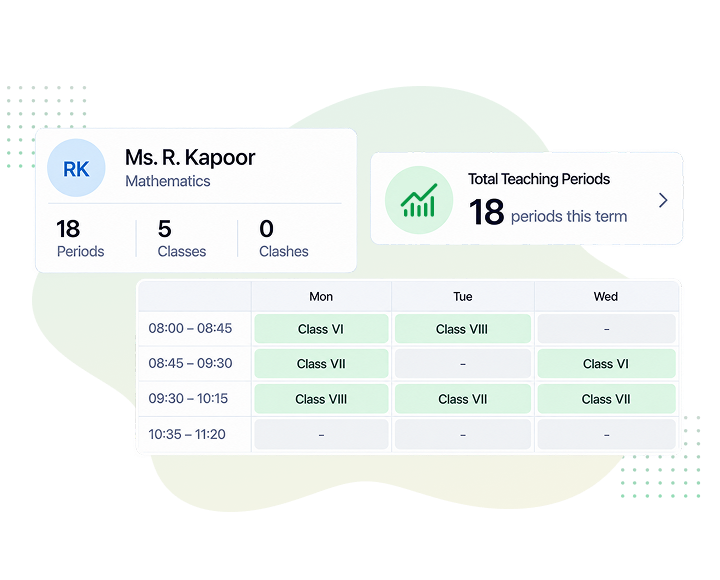
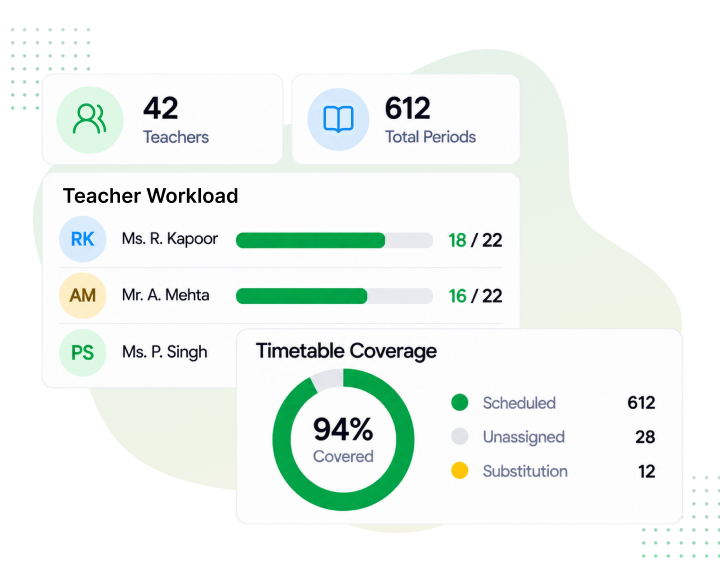
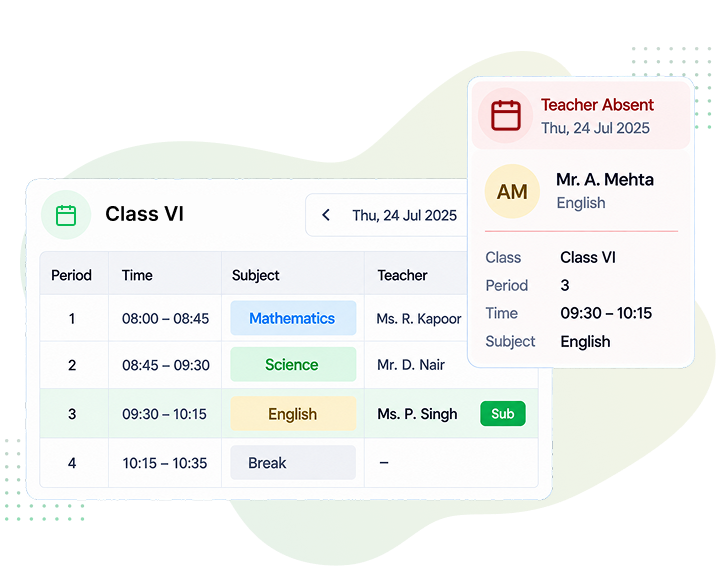
Stop letting timetable gaps and unclear workloads disrupt daily classes. SchoolPad helps school teams review teacher-wise and class-wise schedules, understand teaching loads, and manage substitutions with greater clarity.
Review teacher and class schedules together before making required changes.
Allocate alternate available teachers when regular teachers are unavailable.
Review teacher workloads, class schedules, and required timetable changes more easily.

Yes. SchoolPad gives leadership a clear view of teaching responsibilities across teachers and subjects, making workload distribution easier to review without calculating it manually.
You can build, edit, and print timetables class-wise or teacher-wise, depending on whether you need to plan one class or review an individual teacher’s schedule.
Gaps, overlapping periods, and timetable clashes can be reviewed during planning, giving school teams time to make changes before classroom schedules are disrupted.
A school-wide timetable brings all scheduled classes and teachers into one view, so leaders do not have to piece together information from separate class schedules.
Yes. SchoolPad allows multiple class-wise or teacher-wise timetables to be viewed and printed together, reducing repetitive work when schedules need to be shared across the school.
With SchoolPad, an alternate available teacher can be assigned to the affected periods, helping the school organise class coverage clearly when a teacher is unavailable.
We’ll review your current timetable workflow and show how SchoolPad helps align teacher schedules, class requirements, workload distribution, and substitute coverage.